Optimized for tablets
Put your tabs on your “tab”. (Sorry, we couldn’t resist!)
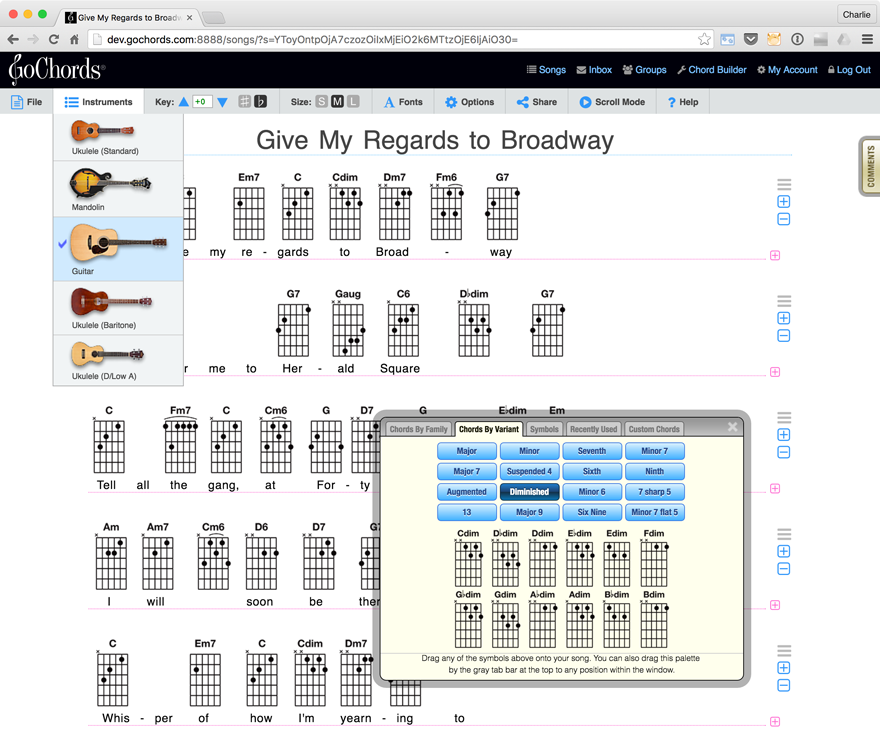
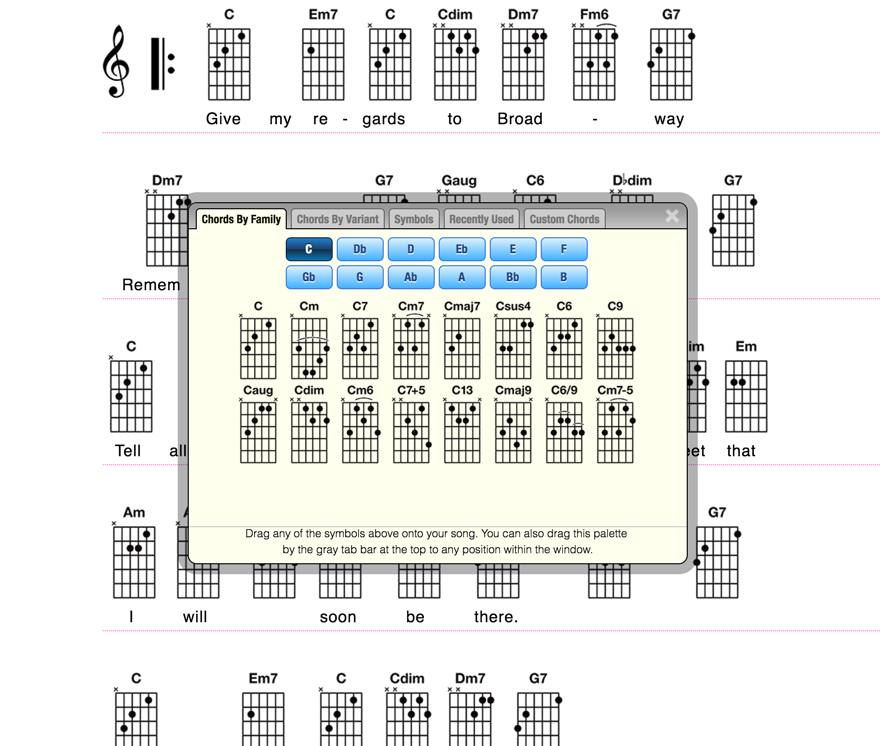
GoChords is a specially-designed with tablets in mind, especially the iPad.
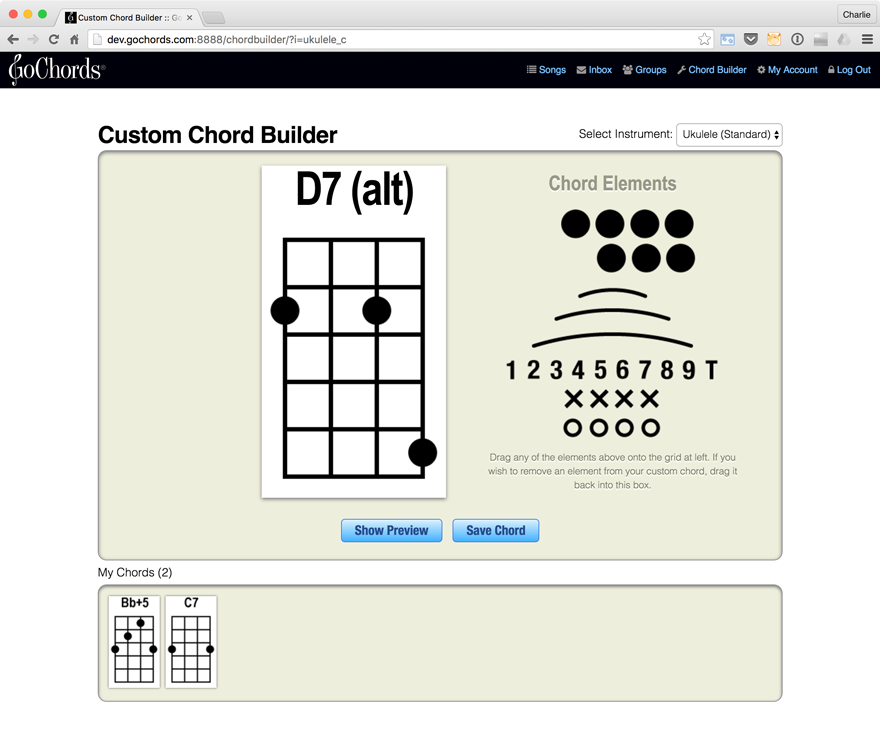
You will be able to create and edit songs, and create new custom chords, too. GoChords
automatically detects when you're on your tablet, and gives you the optimized version!
Create Songbooks
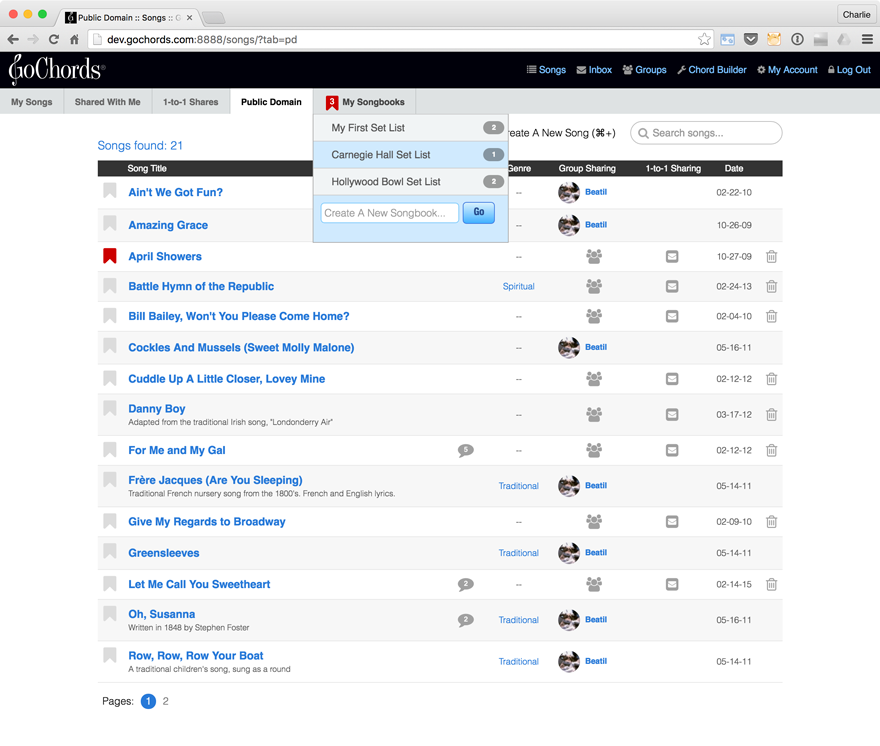
GoChords gives you the ability to create
songbooks — collections of your songs and songs shared with you. Not only can you choose which songs to place in your songbooks, you can
put them in any order you like! Great for gigs, jams, holidays and anything you want!
Full-Screen Mode (on tablet)
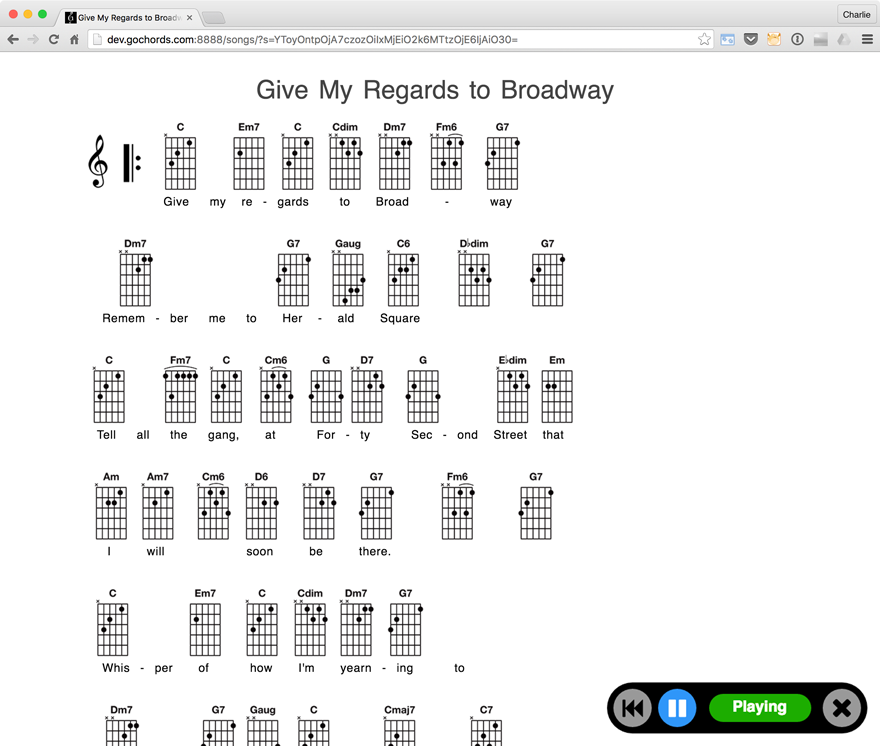
When viewing GoChords on your tablet device, you can turn on the Full-Screen
Mode feature, which allows you to hide the interface (tools and buttons) so that you see
a full screen of your song! Play away!
Print Songs
We encourage everyone to go-green whenever possible, but
hey, sometimes there's nothing as portable as a trusty piece of paper!
Our print-friendly song view faithfully reproduces your song and all positioning of
chords and symbols for printing and PDFs.
Hands-Free Song Scrolling
This feature allows you to trigger slow automatic scrolling of your song page,
so that you don't have to reach for your mouse or trackpad while you're playing
one of your songs. Transport controls allow you to choose the scroll speed, as well
as start/stop/pause/rewind the scroll.
Priority Support
As a GoChords subscriber, you can expect faster
turnaround time when you report an issue or problem. Your feedback will be flagged for expedited handling by our support team.